

Computer + Mobile Search
Search inventory your way.
Use direct queries, advanced criteria, reusable field profiles, and saved filters, then open typed device details and local exports.
 Forsetti Jamf Pro
Search inventory, resolve device issues, run guarded support actions, build fleet reports, inspect permissions, and manage PreStage assignments—from one Apple-native workspace.
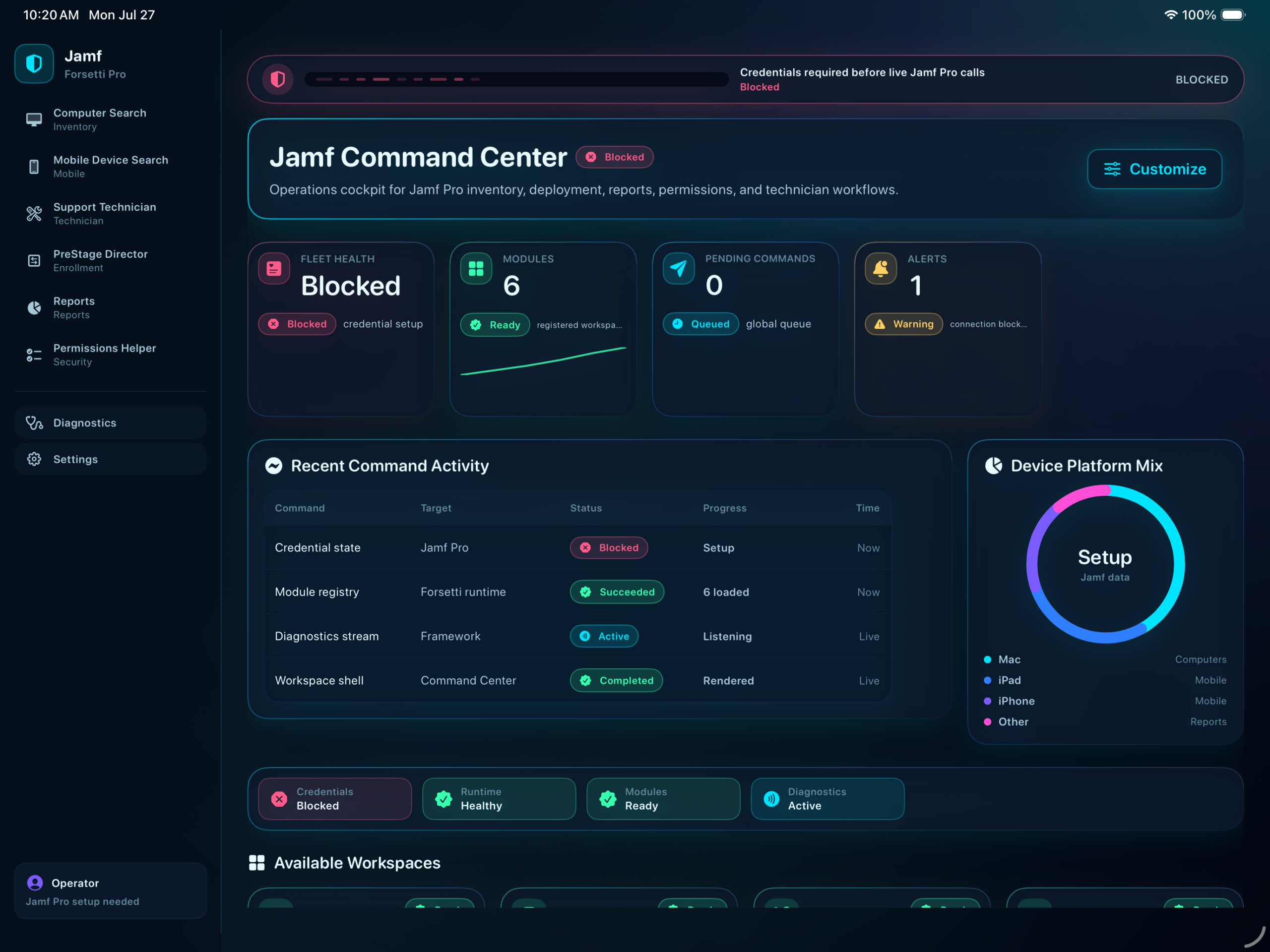
A companion—not a replacement. Forsetti works through Jamf Pro APIs to put high-context administrative workflows into a focused native application.
Built for deliberate operations. Permissions, device support, confirmation, diagnostics, and exportable evidence stay visible throughout the work.
Each module is purpose-built, but the workflow stays consistent: find, understand, validate, act, and preserve the result.
Computer + Mobile Search
Use direct queries, advanced criteria, reusable field profiles, and saved filters, then open typed device details and local exports.
Support Technician
Check action readiness, map required privileges, confirm risky operations, queue supported commands, and retain command history and diagnostics.
PreStage Director
Inspect mobile-device PreStage profiles and assigned devices, then move or remove assignments with operation diagnostics close at hand.
Reports
Build read-only reports with metrics, charts, normalized detail, confidence notices, and PDF, CSV, Markdown, text, or document export.
Permissions Helper
Search the offline action and endpoint matrix, compare requirements with the current token, and turn authorization failures into specific next steps.
Security + Diagnostics
Use Keychain-backed credentials, in-memory API tokens, shared retry and rate-limit handling, and structured local diagnostics that export to JSON or Markdown.
Landscape layouts keep navigation, operational detail, and the next decision visible together—without flattening a serious workflow into a phone-shaped compromise.
Launch focused workflows for inventory, support, reporting, permissions, PreStage, and diagnostics.
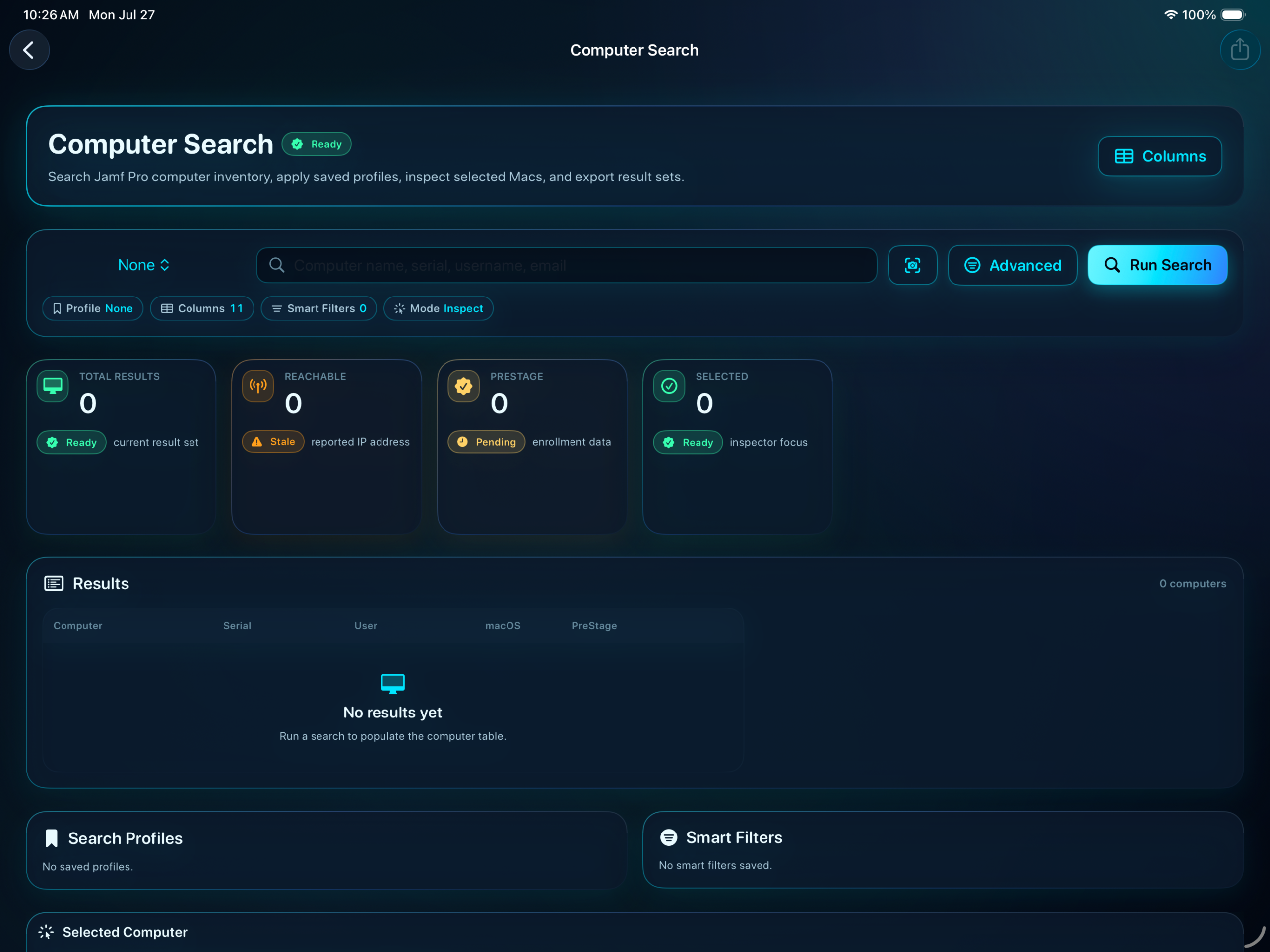
Search computers and mobile devices with reusable criteria, then inspect hardware, management, location, security, and extension attributes.
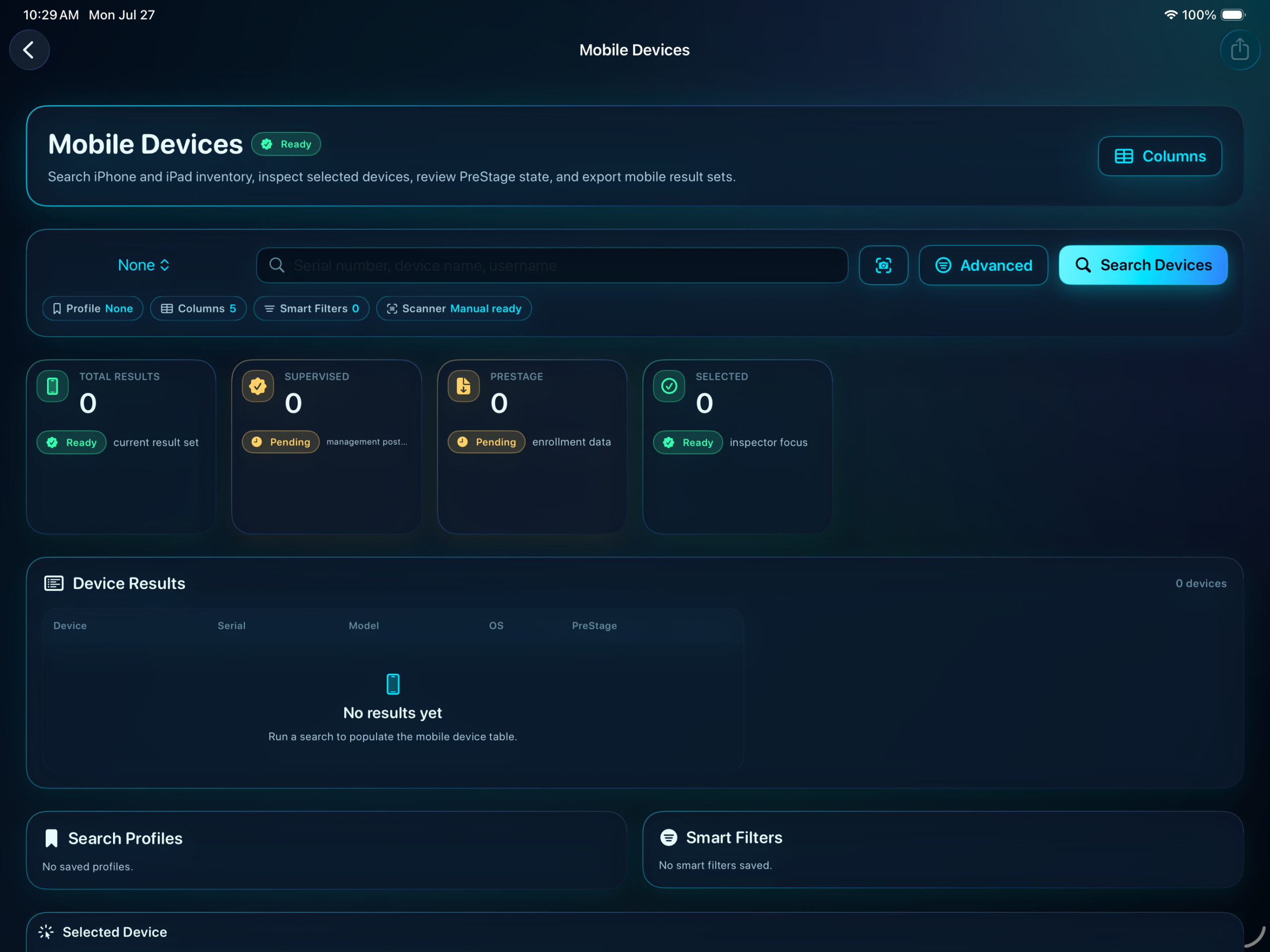
Search by serial, device name, or username, use reusable filters, and keep PreStage and supervision context visible.
Validate Jamf API client credentials or username/password token exchange, then store credentials in the device-only Keychain.
Search inventory, open detailed records, and bring management, security, location, and support context together.
Compare privileges and device support, confirm sensitive operations, and queue only the actions that are available.
Review history and diagnostics, then export the report or troubleshooting evidence your next conversation needs.
Forsetti adapts its navigation and information density to the Mac without changing the underlying administrative model.
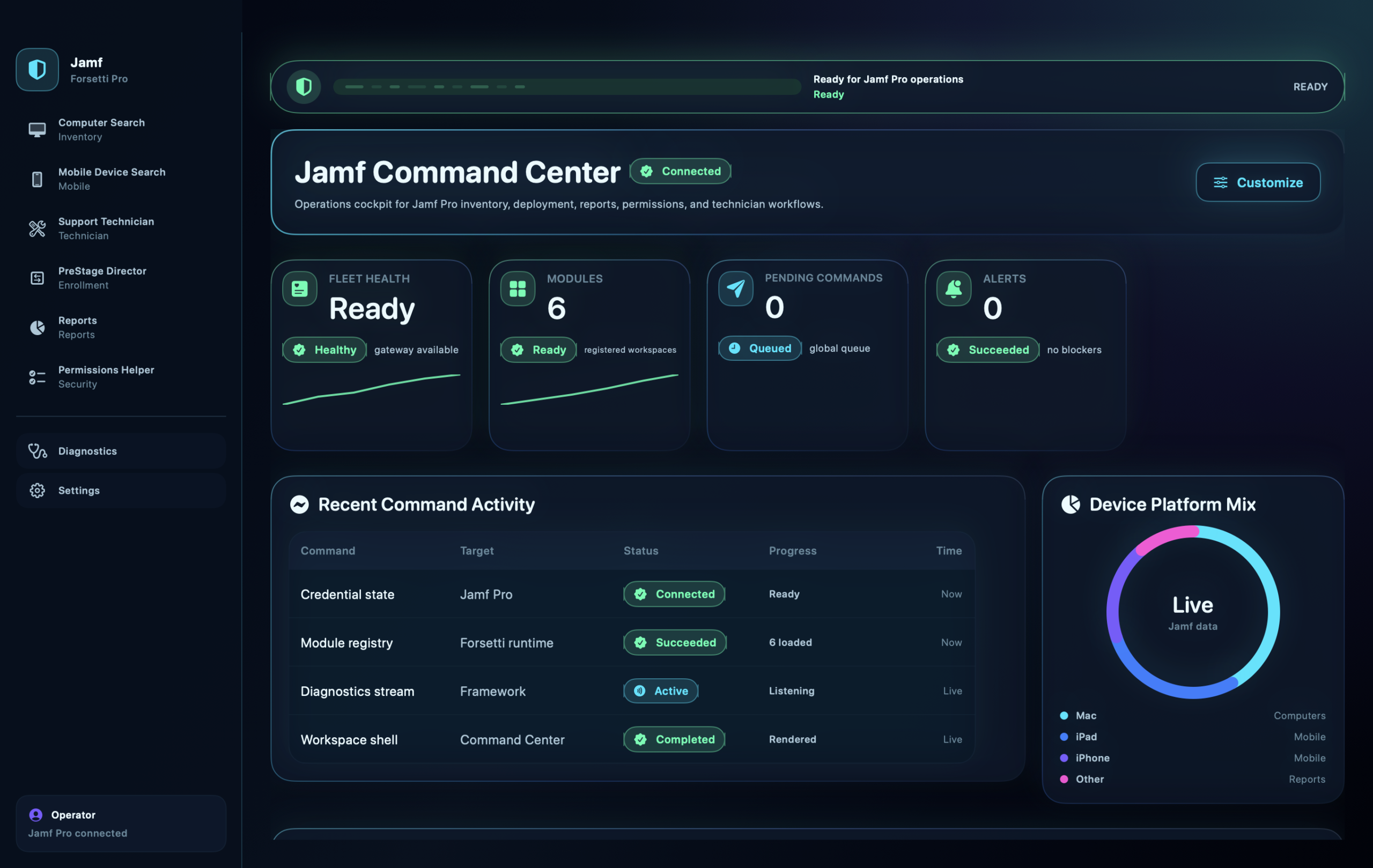
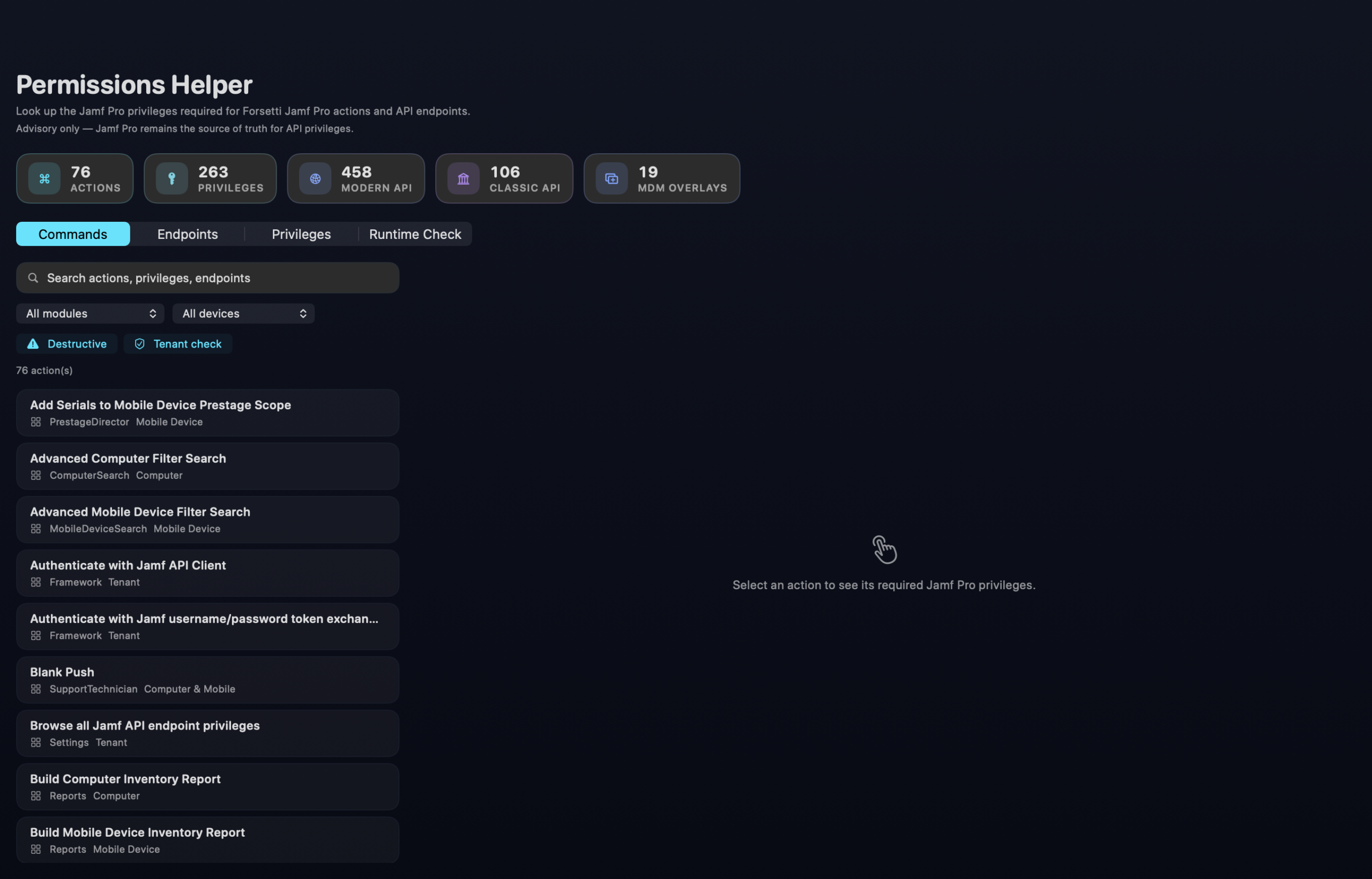
Action availability depends on the device, Jamf endpoint support, and the current token’s privileges. Forsetti checks those conditions, shows what is missing, and adds typed confirmation where the consequences demand it.
No. Forsetti is a companion application that uses Jamf Pro APIs to bring focused administrative and support workflows into a native Apple interface.
Jamf API client credentials and username/password token exchange are supported. Credentials are stored in the system Keychain; API tokens stay in memory.
No. Availability varies by device type, Jamf endpoint support, and the privileges granted to the current token. Forsetti exposes readiness and missing privileges before the action.
Forsetti supports PDF, CSV, Markdown, plain text, and Word output for the reporting workflows described here.
The open beta is live for iOS, iPadOS, and macOS. Open the public invitation on a compatible device, then follow the prompts in TestFlight. View the public invitation.
Use the public invitation to install the current beta on a compatible device and receive new builds through TestFlight.